
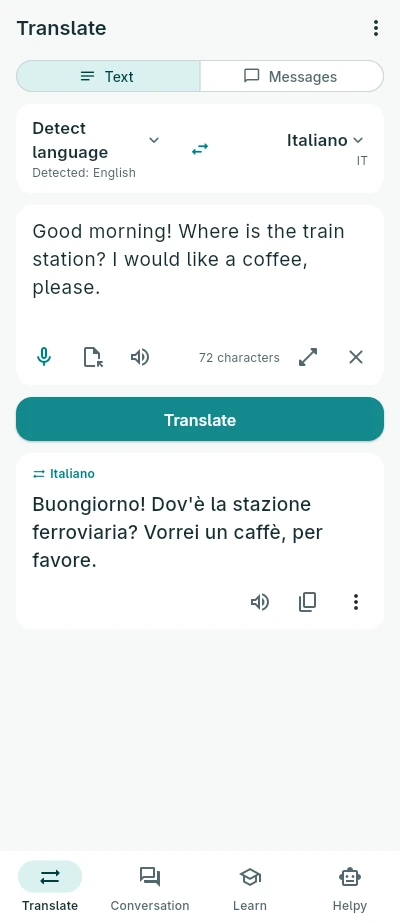
Translate
Type, paste or dictate a text and translate it into any of the 23 languages. The language you write in is recognised as you type. Open a text file and get its translation in a new file.
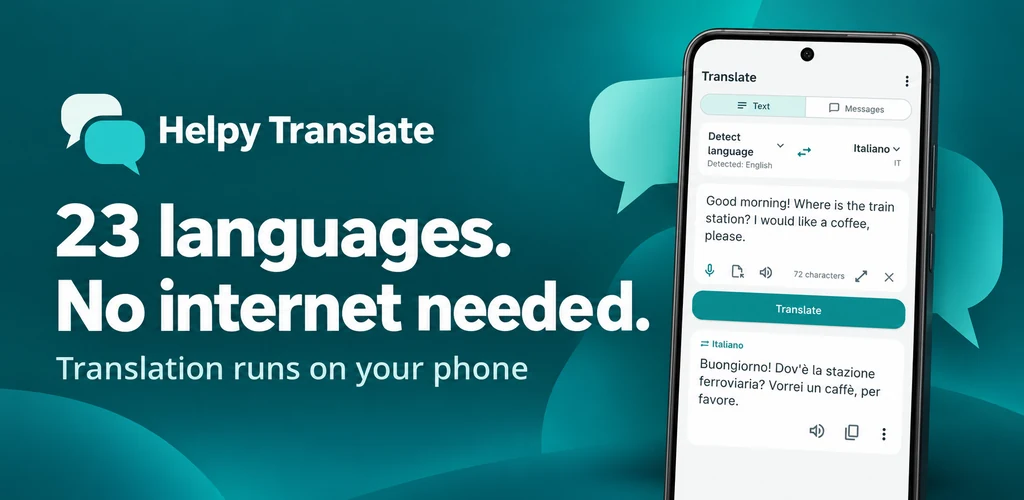
Text, files, conversations, learning and quick questions to Helpy. The translation is made by an AI inside the app, so it works without internet, with no account, no ads and no tracking.
Powered by NativeHelpy technology
Type, paste or dictate a text and translate it into any of the 23 languages. The language you write in is recognised as you type. Open a text file and get its translation in a new file.
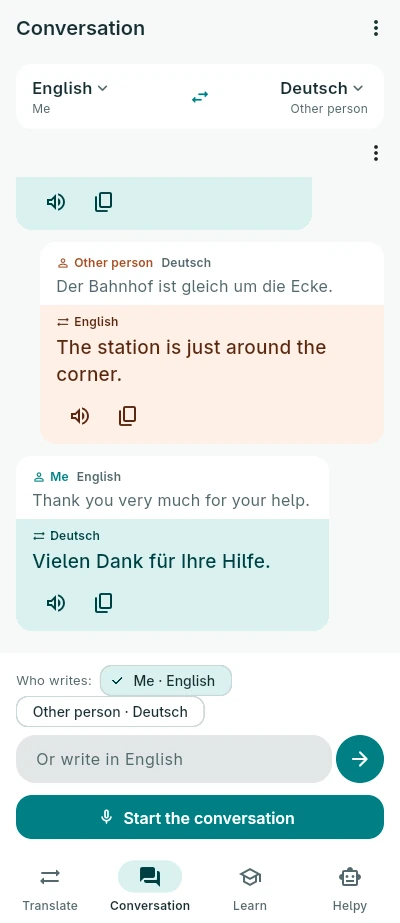
Two people, two languages. The phone listens to the one whose turn it is, translates and reads the translation aloud, then listens to the other. No voice? Write instead.
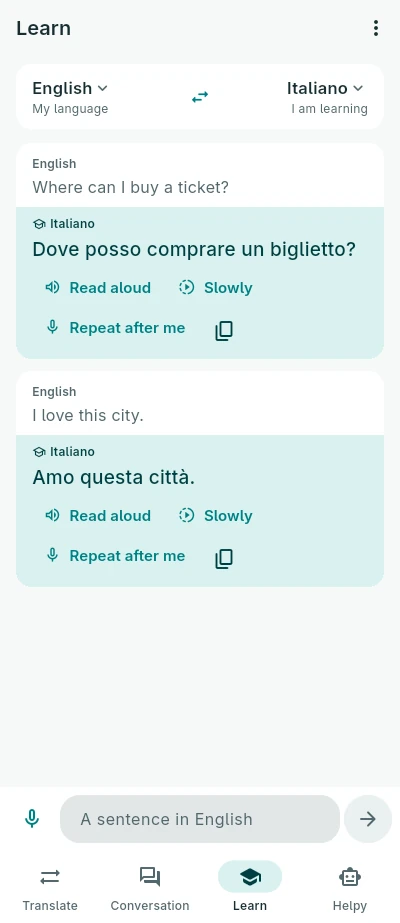
Write or say a sentence in your language and get it in the language you are learning, read aloud. Hear it again slowly, then tap Repeat after me: the words you say right turn green.
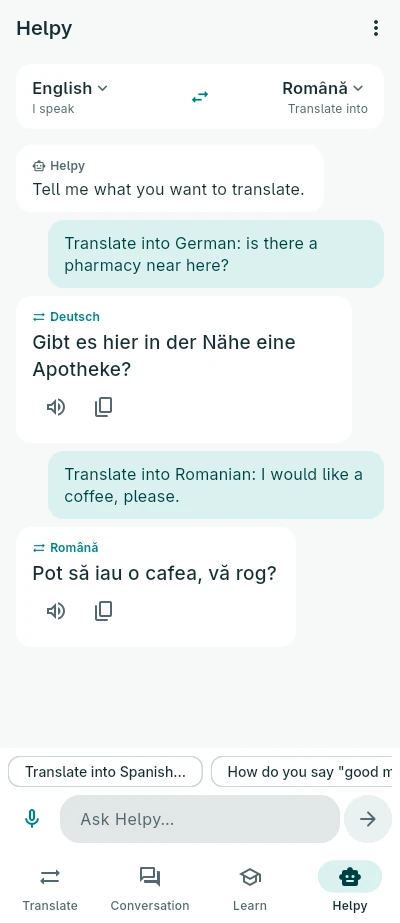
Ask in your own words: “translate into Spanish: where is the station?” or “how do you say thank you in German?”.
Also in the app: quick messages, each translated at once and read aloud on demand or always.
Speaking and listening use your phone's own speech recognition and voices. To use them offline, the phone needs each language downloaded:
In the app, Settings → Languages for voice shows which languages your phone has and asks the phone to download the missing ones. Until a language is downloaded, the phone's speech service may use its connection. Text always works offline.
Arabic · Czech · Danish · Dutch · English · French · German · Greek · Hebrew · Hindi · Hungarian · Italian · Japanese · Korean · Persian · Polish · Portuguese · Romanian · Russian · Spanish · Swedish · Turkish · Ukrainian
The app itself speaks all 23 too. Translations are made by an AI and can be wrong: check what matters.